Monitor, Secure and Maintain: One Toolkit for Managing Company PCs
Ask anyone who looks after a room — or a country — full of company PCs what the job actually is, and it comes down to three things: seeing what is happening on those machines, securing the data on them, and maintaining them so they stay fast and reliable. Most teams buy a different product for each, wire them together, and pay three bills. It does not have to be that way.
The three jobs of managing company computers
1. Monitor — see what is happening
Who is working on what, which sites and apps are in use, where time goes, and when something looks wrong. This is oversight: live screens, activity and time tracking, productivity reports and alerts.
2. Secure — keep the data in
Stop customer lists and documents leaving on a USB stick or an upload, block risky sites, detect VPNs, and be able to lock or support a machine remotely. This is data-loss prevention and remote control.
3. Maintain — keep the machines fast
Full disks stall Windows updates and slow everything down. Over months, caches and temporary files quietly eat gigabytes. Keeping drives clear is unglamorous but it is half of why a PC feels slow — as we cover in why is my Windows PC so slow.
One toolkit, from The Great Technologies
We build two products that together cover all three jobs on Windows 10 and 11:
WarnDesk — monitor + secure
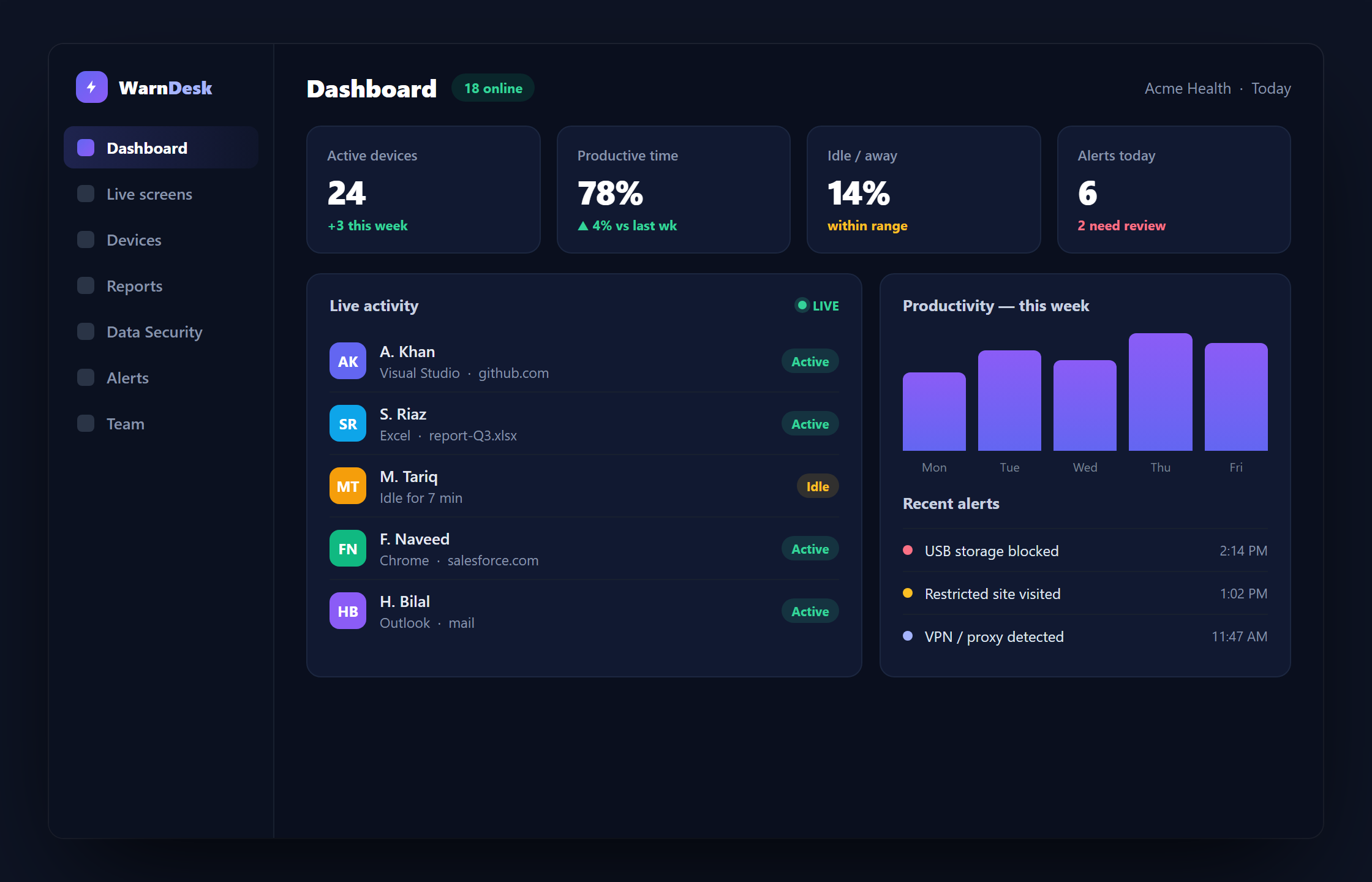
WarnDesk handles oversight and security in one Windows agent: live screens and recording, website and app tracking, time and productivity reports, website/app blocking, USB and VPN control, live audio, remote control and instant alerts — with every feature on every plan.
PC Nimble — maintain
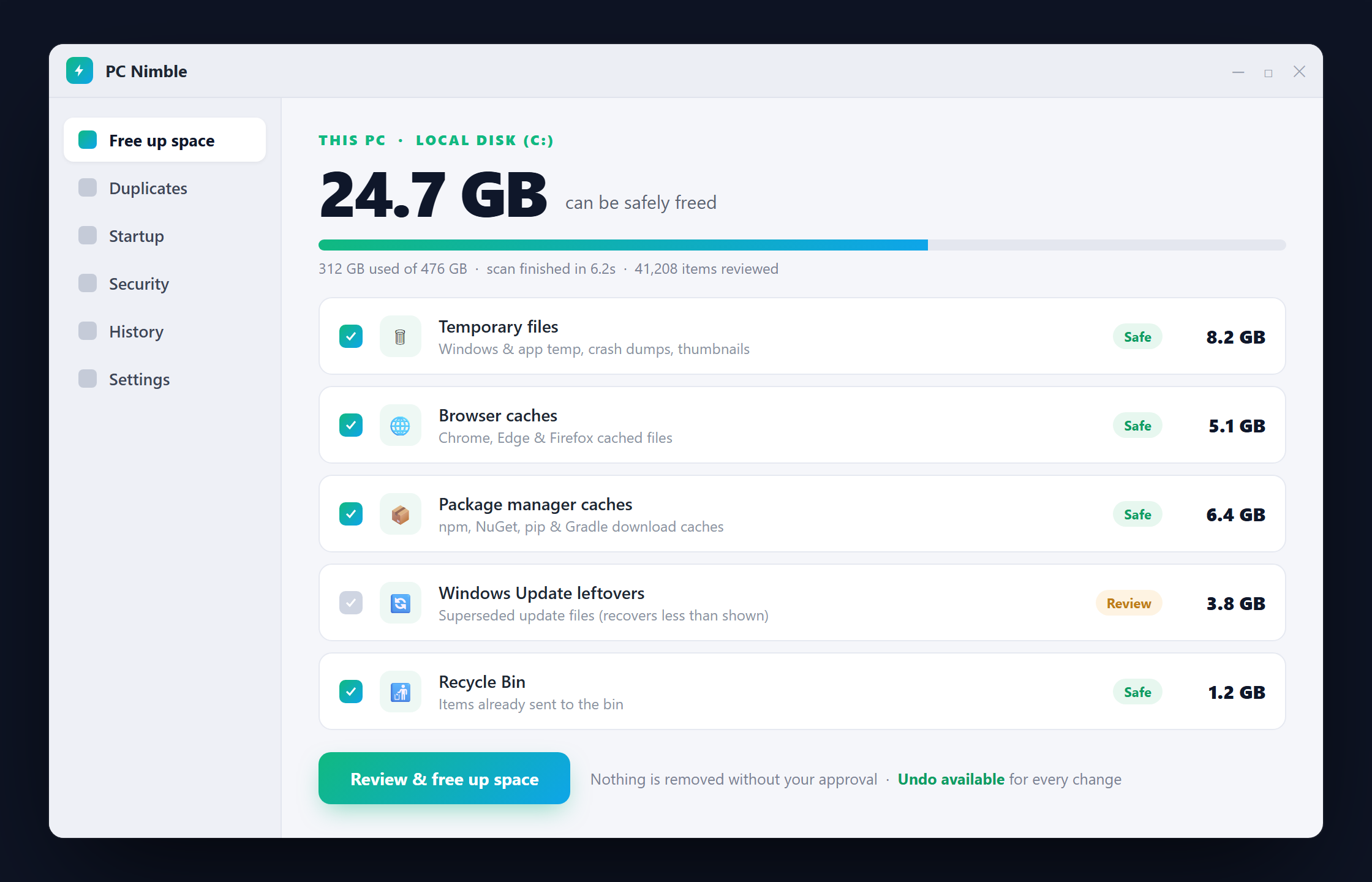
PC Nimble is a free Windows disk cleaner that keeps machines fast the honest way: it explains what is using each drive, reclaims the safe gigabytes with your approval, and makes every change reversible. No registry "cleaning," no invented problem counts, no telemetry — and it is included with every WarnDesk plan.
Why one toolkit wins
- One picture. Oversight, security and machine health from the same vendor, on the same fleet.
- One price. WarnDesk includes PC Nimble; there is no separate maintenance bill.
- Simple to run. One installer per PC, live in minutes, no server to stand up.
Ready to see it? Download WarnDesk and PC Nimble, compare plans on the pricing page, or see how WarnDesk stacks up against the tools you are already evaluating.