Do Registry Cleaners Work? The Truth About Speeding Up Windows
Few pieces of PC advice are as sticky as "clean your registry to speed up your computer." Registry cleaners have promised faster PCs for two decades, flashing up counts of thousands of "errors" they will fix. So do they actually work? The short answer, backed by Microsoft's own guidance and every serious test: no — and they carry real risk. Here is the honest explanation.
What the Windows registry actually is
The registry is a database of settings for Windows and your installed programs — things like file associations and configuration values. It is not a "cache" that fills up with junk, and its size has a negligible effect on performance. Modern Windows reads from it extremely efficiently.
Why registry cleaners do not speed up Windows
- The "errors" are trivial. Most entries a cleaner flags are harmless leftovers — an orphaned key from an uninstalled app. Removing them frees a few kilobytes and changes nothing you can feel.
- The counts are theatre. "2,472 problems found!" is a marketing tactic to make you pay, not a measure of anything meaningful — the same dark pattern we cover in are PC cleaner apps safe.
- Microsoft does not recommend them. Microsoft has explicitly stated it does not support the use of registry-cleaning utilities and cannot guarantee problems they cause can be resolved.
What actually speeds up Windows
If the registry is not your problem, what is? The real causes are boring and effective to fix:
- Free up disk space. A nearly-full drive is the most common cause of a slow PC — clear temporary files, browser and package caches. See freeing up disk space safely.
- Trim startup apps so fewer things fight for resources at boot.
- Remove bloatware you never use.
- Add RAM or an SSD if the hardware is the limit.
We go through all of these in why is my Windows PC so slow.
An honest cleaner leaves the registry alone
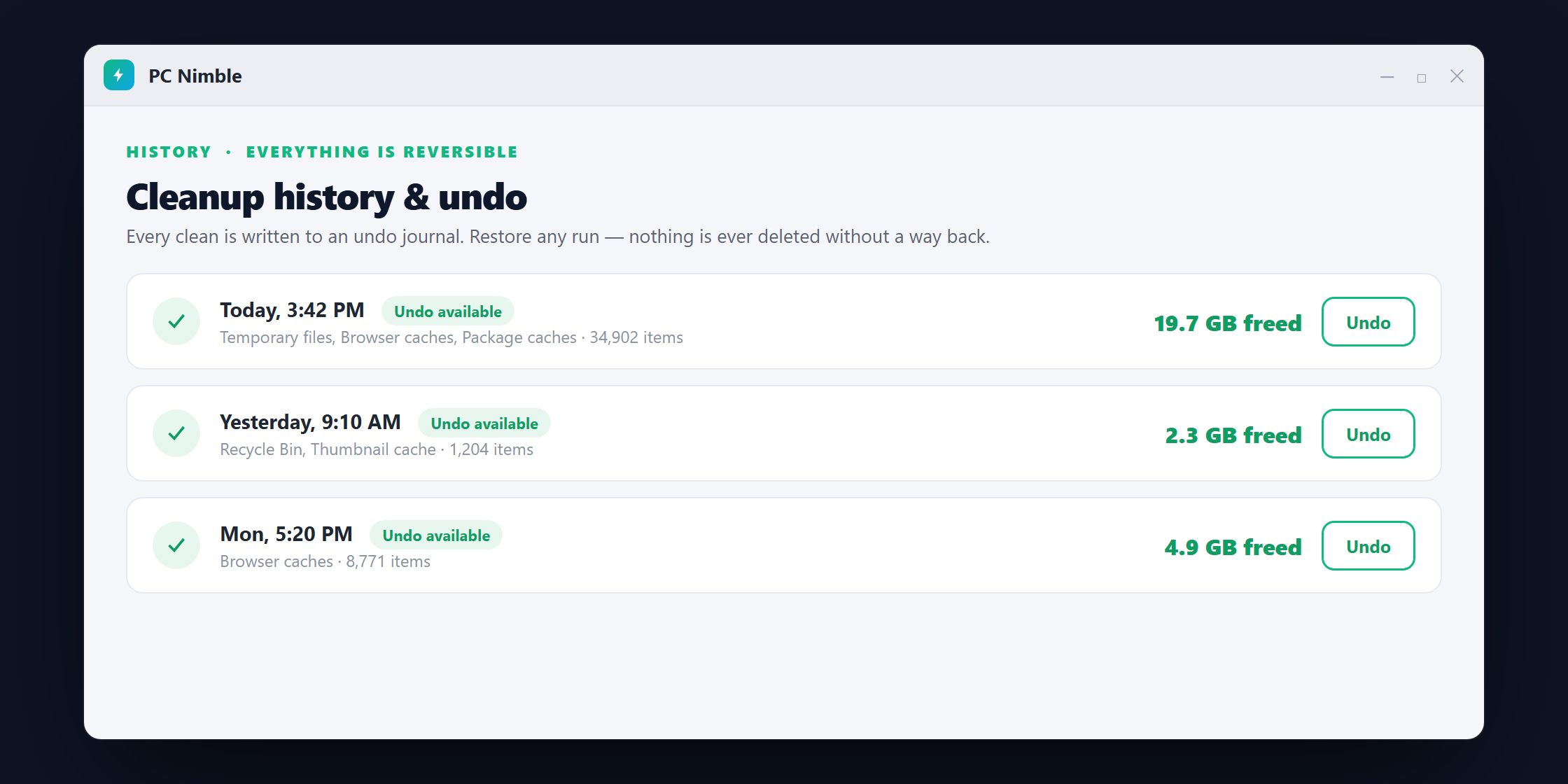
PC Nimble was built as the opposite of a registry "optimizer." It does not touch the registry, invents no problem counts, and makes no network connections. It focuses on the one thing that genuinely helps — reclaiming disk space — and does it with per-category consent and full undo, so every change is reversible.
Download PC Nimble free for Windows 10 and 11 and skip the registry-cleaner myth for good.